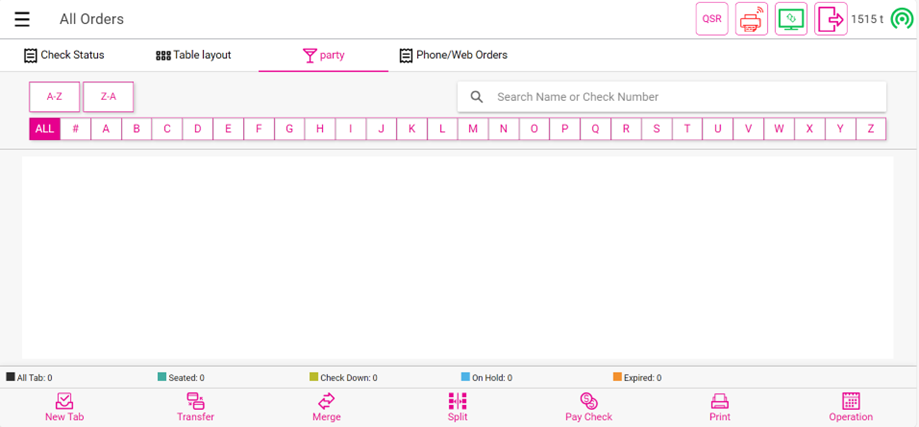
POS: Initial Screen
Back Office Settings
When creating a new User, for the Initial Screen dropdown select POS Screen. For more information: see the Initial Screen field in the User Settings Knowledge Article.
Impact in POS
When attempting to log into the POS: the system will direct them to the screen specified in the Back Office, according to the selected Initial Screen for that user:
POS Screen
Example: If POS Screen is selected - upon logging into the POS, the system will direct the user to the POS Screen.
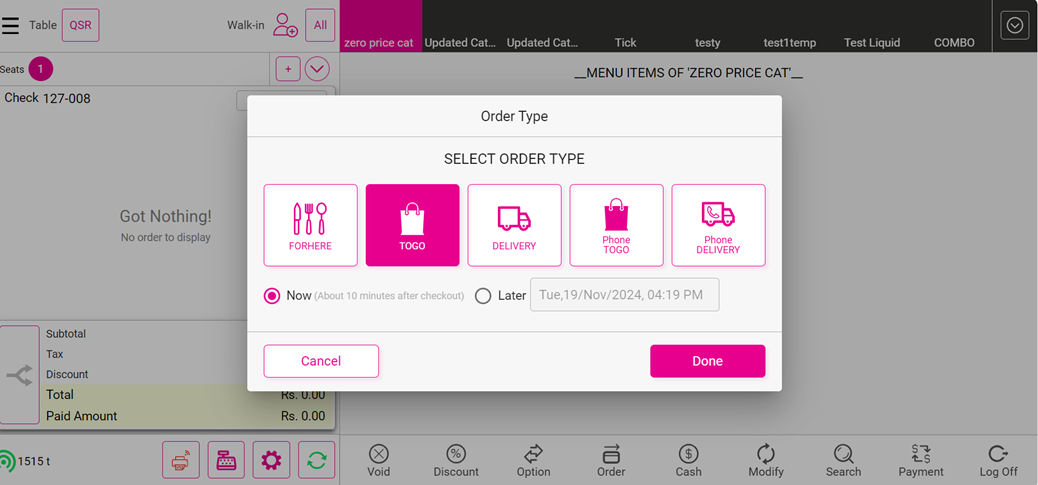
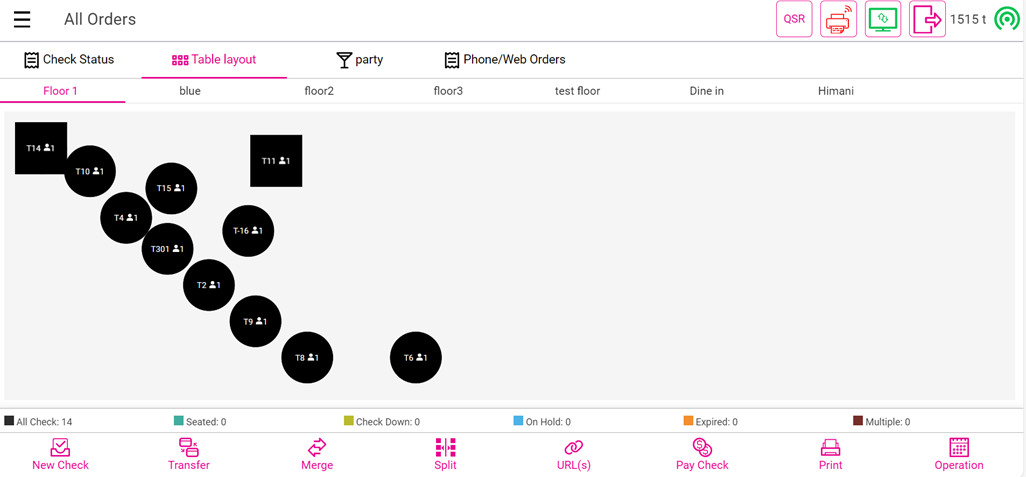
Table Screen
Example: If Table Screen is selected - upon logging into the POS, the system will direct the user to the Table Screen.
Bar Screen
Example: If Bar Screen is selected - upon logging into the POS, the system will direct the user to the Bar Screen.